
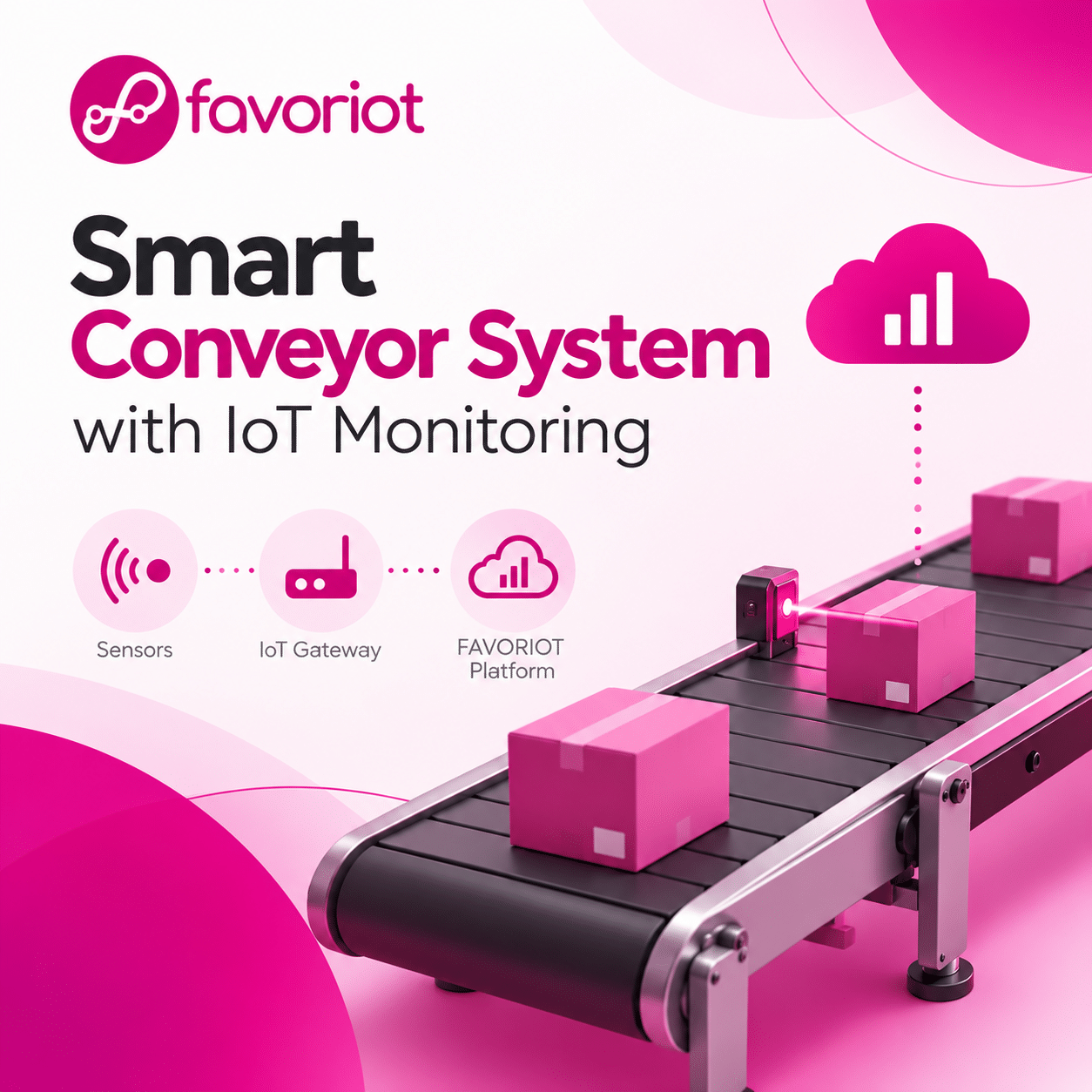
Smart Conveyor System with IoT Monitoring
Learn how sensors, motor control and the FAVORIOT platform can help monitor conveyor operations, track products and support remote supervision.
Adapted from the IoT World tutorial published 16 March 2025.
What will you build?
01 · Detect
An IR sensor detects products passing a point on the conveyor.
02 · Monitor
Send speed, operating status and product detection data to FAVORIOT.
03 · Control
Use dashboard controls and device-side logic to adjust conveyor operation.
Conveyor control room
Adjust the speed or pause the conveyor. This is a browser-only demonstration and is not connected to a physical machine or FAVORIOT account.
From physical equipment to operational visibility
Motor commands require a separately designed return control path, suitable motor driver and safety interlocks. A cloud dashboard alone does not directly operate the motor.
Build guide
1. Plan the system
Define product detection, conveyor speed control, sorting logic and the values to monitor.
2. Select hardware
Choose a microcontroller, IR sensor, suitable motor and driver, sorting actuator and Wi-Fi connection.
3. Wire and test
Connect sensors and motor control circuitry. Validate detection and emergency stop locally first.
4. Configure FAVORIOT
Register a device, obtain credentials and set up telemetry through the supported API or MQTT.
5. Create a dashboard
Display speed, run/stop status and product count, with optional Node-RED views.
6. Validate operation
Test sensor accuracy, network loss, command handling, sorting and safe shutdown.
Send conveyor telemetry
The original tutorial uses a device identifier and a JSON payload containing speed, status and detection state. Adapt the identifier and endpoint to your FAVORIOT account and current API documentation.
                    {
                      "device_developer_id": "Smart_Conveyor_001",
                      "data": {
                        "speed": 60,
                        "status": "Running",
                        "product_detected": 1
                      }
                    }
FAVORIOT Platform V2 documentation ↗
Testing checklist
- Confirm the IR sensor detects products without false counts.
- Verify speed changes through the correct motor controller.
- Check that telemetry appears in the FAVORIOT dashboard.
- Test sorting with actual objects and realistic throughput.
- Confirm local safety behavior during Wi-Fi or cloud outages.
Ideas for the next version
Machine learning
Study throughput trends and suggest better speed settings.
Camera inspection
Identify product categories and possible defects.
MQTT messaging
Explore event-based telemetry and supported command workflows.
Continue learning
This learning project demonstrates how IoT can make conveyor behavior visible. Production systems require engineering review, tested motor hardware, access controls and independent safety mechanisms.